Making trip dates manage themselves
Keeping itinerary dates accurate as trips change without organizers manually updating every day.
Timeline
6 weeks
Team
Solo Product Designer · PM · 3 engineers
Product area
Trips / Itineraries
PROJECT
Smart Dated Itineraries
Keeping dates accurate across a multi-day itinerary was a surprisingly complex system problem. The challenge was creating automatic date behavior that worked predictably as trips changed, while still giving organizers control when they needed it.
Outcome
Date management shifted from a repetitive manual task to automatic system behavior. Organizers could change trip dates, reorder days, or move content without manually correcting dates throughout the itinerary while addressing a highly requested capability and known sales blocker.
PROBLEM
Every change meant more work
Organizers manually maintained dates across their itineraries. Changing travel dates, reordering days, or adjusting trip duration could trigger updates across multiple sections, followed by another round of checking before the itinerary could be shared.
Automatic dates were also a frequently requested capability, and their absence had appeared in lost-deal feedback.

SOLUTION
Turning manual dates into automatic behavior
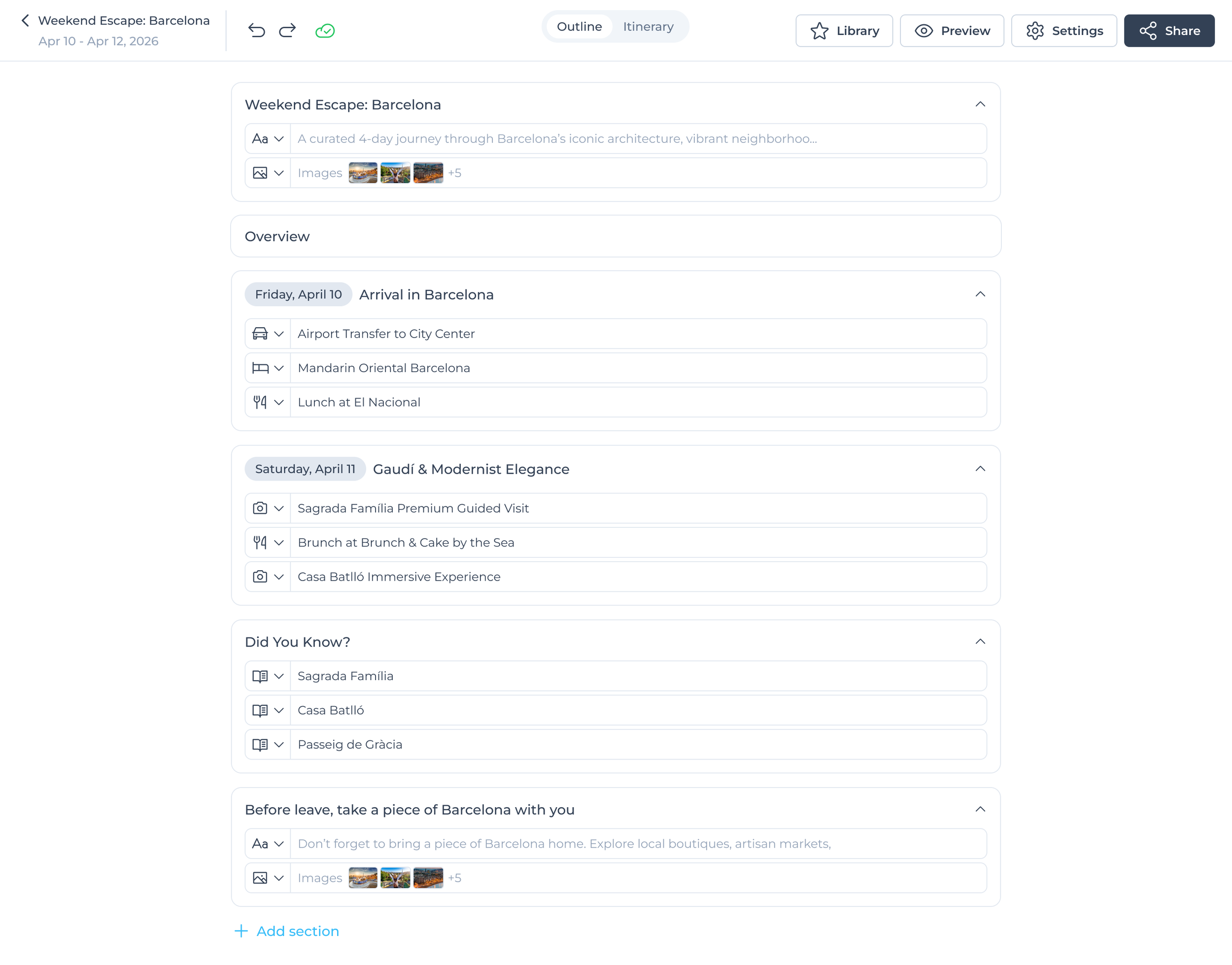
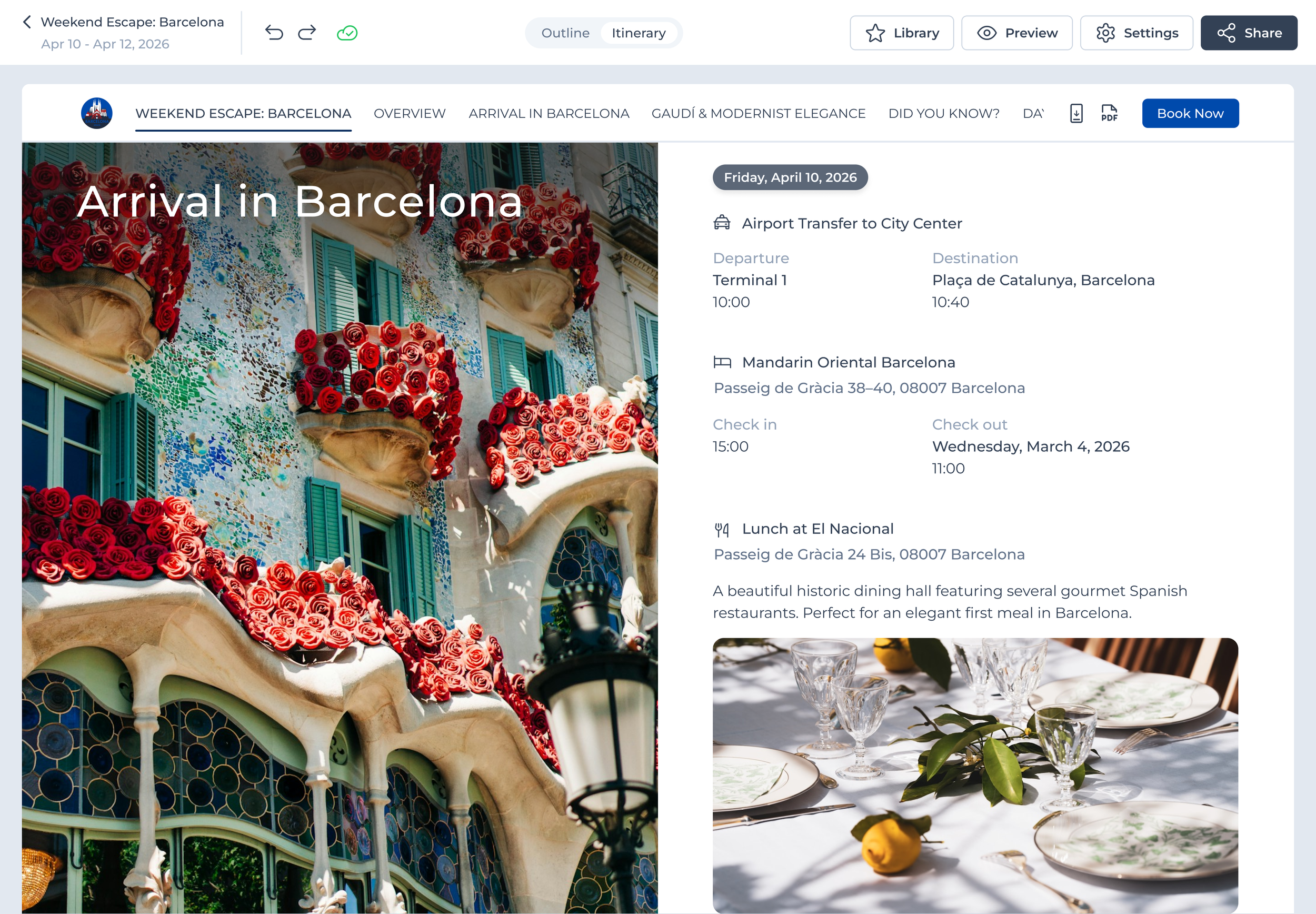
I designed the system around one rule: itinerary dates should follow the trip automatically. Changing trip dates, reordering days, or moving activities recalculates affected dates while keeping the sequence intact.
The system also preserves flexibility for date-less content and surfaces warnings when changes fall outside the trip's range.
OUTLINE
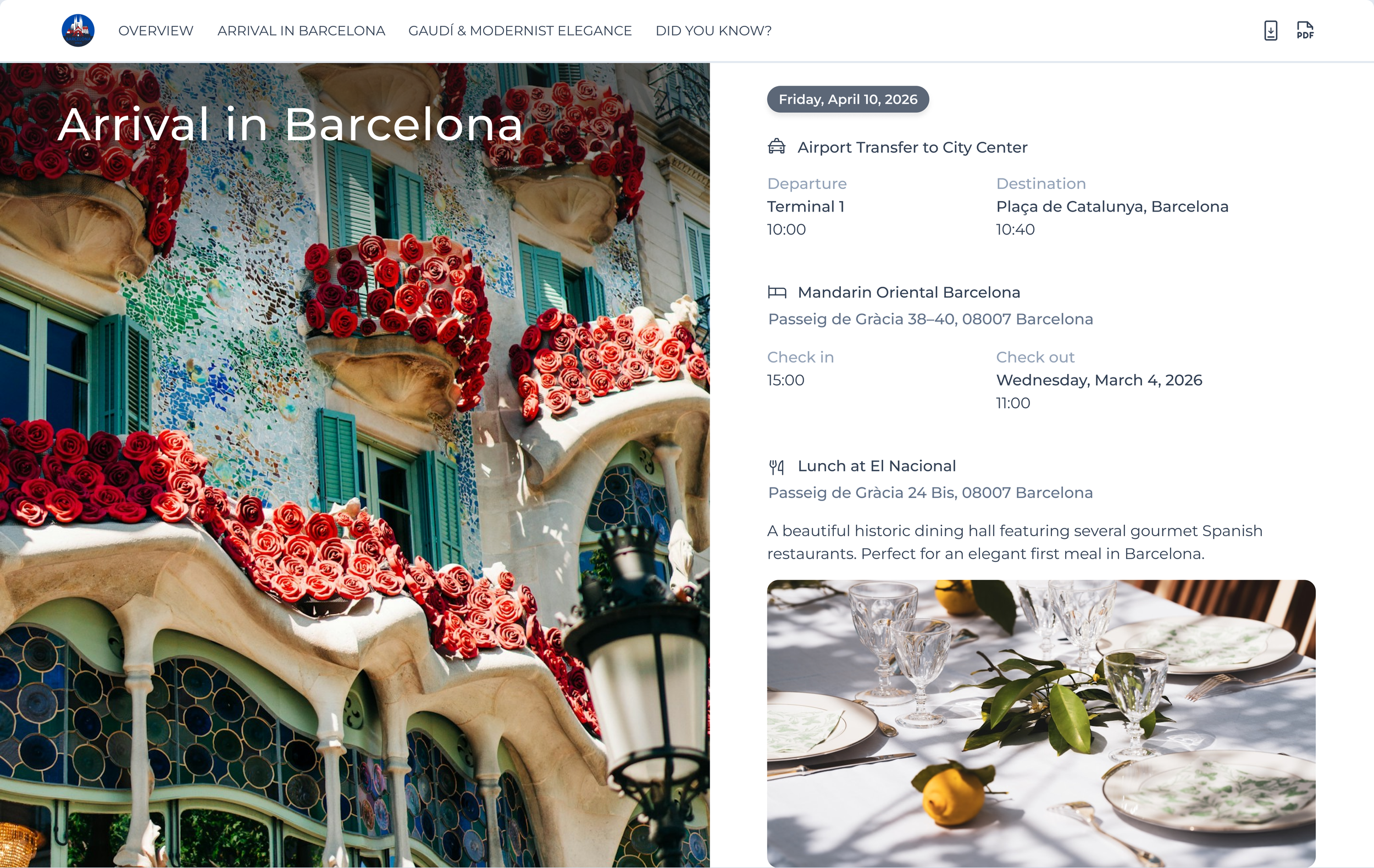
ITINERARY: LANDSCAPE VIEW
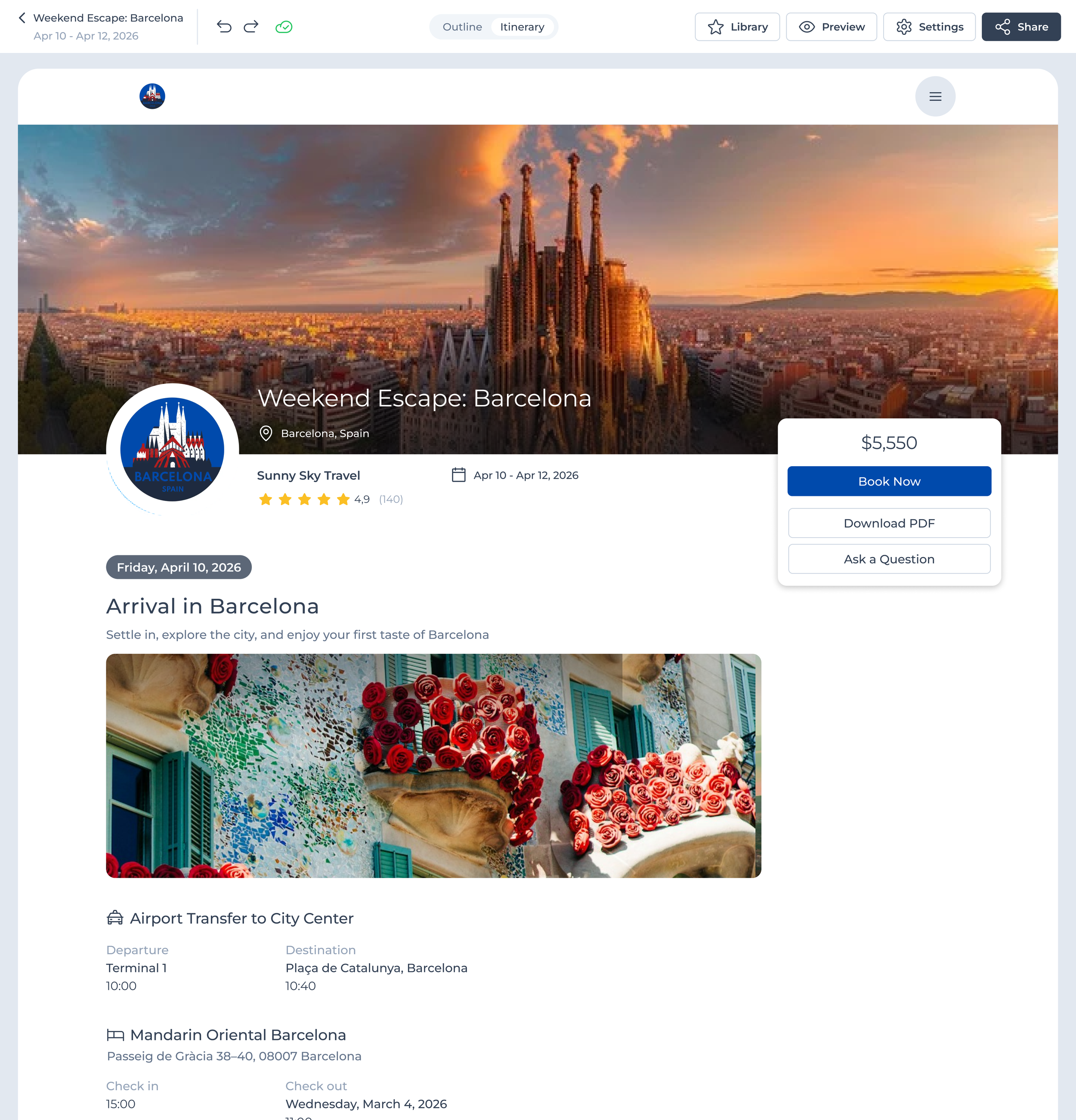
ITINERARY: PORTRAIT VIEW
LESSONS
What I took from the project
Automation needs to be predictable, not just fast
A decision in one workflow can have consequences across the product
Guardrails should protect users without interrupting routine work